iHalloween 2: the pumpkin that sees you coming
In October 2008, the App Store was three months old and we shipped iHalloween: a grid of spooky icons, a vampire, a witch, a tombstone, and each one made a noise when you tapped it. You shook the phone for a random scream. It was made to be taken trick-or-treating. It got its last update in 2013 and then sat there while phones changed underneath it, until no current iPhone could run it at all.
This autumn I rebuilt it from nothing, around one idea a 2008 phone could not have had: the phone can notice that somebody is coming.
Put it on the porch
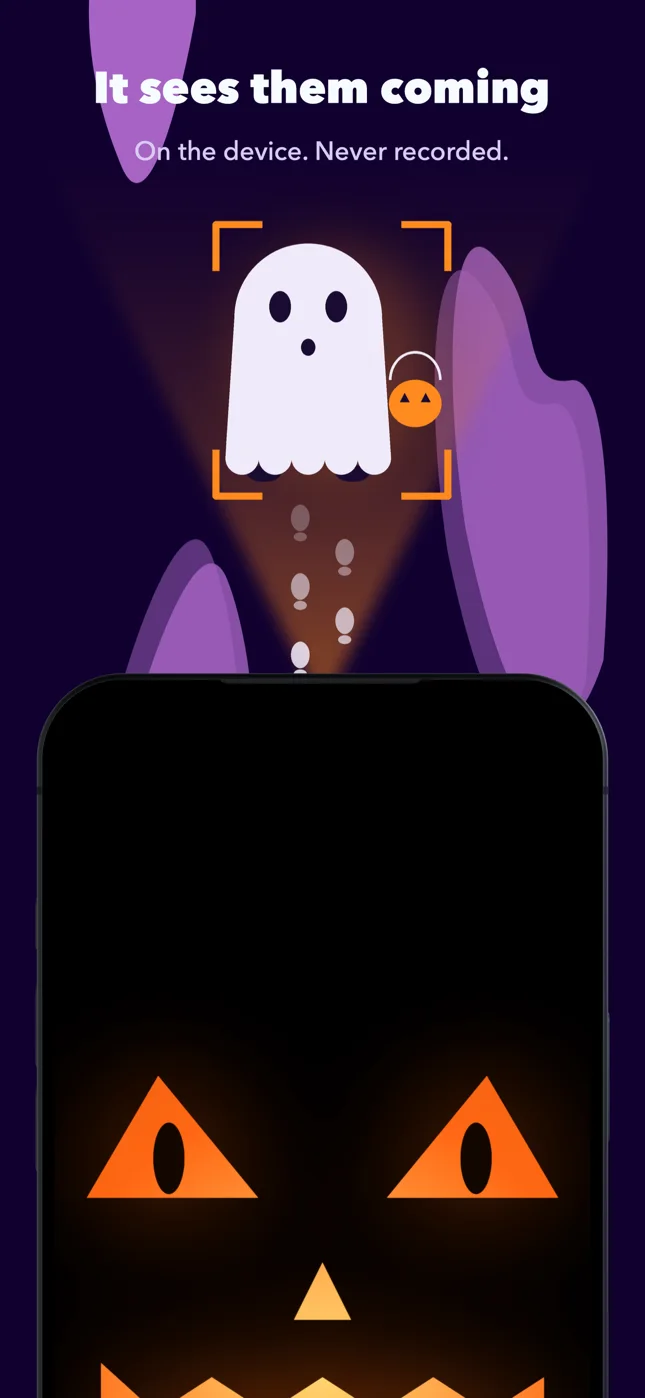
You prop the iPhone or the iPad up facing the path, pick an ambience, night wind or a crypt, connect a speaker, and arm it. You get ten seconds to walk away. The screen goes black except for a glowing pumpkin, asleep.
When somebody walks up, the front camera notices. The pumpkin opens its eyes and follows them across the screen. When they are close enough, it screams. One visitor, one scare; it waits for them to leave before it will do it again. At the end of the night you hold the screen and it tells you how many it got.
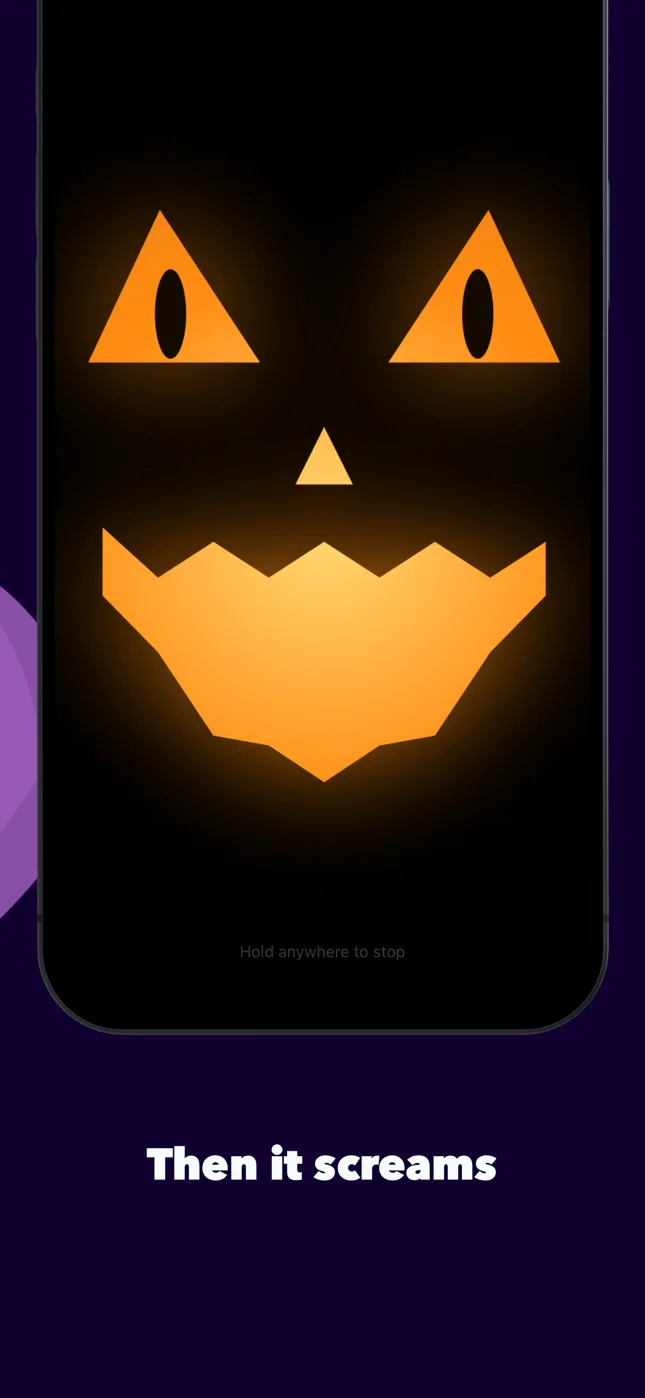
The part I cared most about is what it does not do. The picture is looked at on the device, one frame at a time, and thrown away. Nothing is recorded, nothing is uploaded, and there is no account for anything to be sent to. A camera on a porch has to be boring in exactly that way.
A dark porch
Cameras need light, and a porch at night may have none. So the camera is one trigger of four. The one I like best is the Bowl: the phone lies in the candy bowl, among the sweets, and a hand reaching in sets it off. I have spent years reading accelerometers for iSeismometer; the same sensor that draws an earthquake can feel a seven-year-old going for the chocolate. There is also a timer, and a tap, which turns the whole screen into a button for when you are hiding behind the door yourself.
A scream is a jump. A scene is a story.
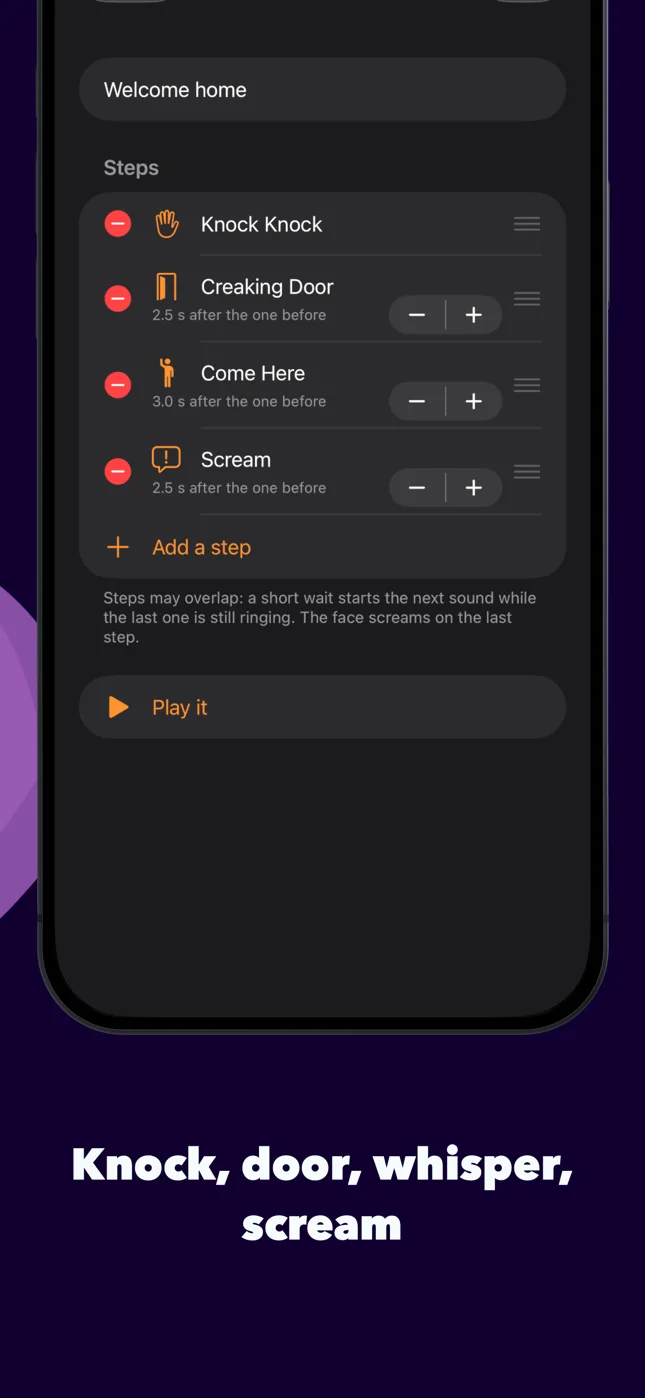
The best scares have a build-up. So you can chain sounds into a scene: three knocks, a door creaking open, a voice saying “come here”, and only then the scream. The pumpkin stays quiet through the build-up and opens its mouth on the last step. The Watcher can also play something small, an owl, a whisper, when it first spots someone at the gate, and save the scene for when they reach the door.
The same screams
Going through the old project, I found the receipt. On October 16, 2008 we bought a pack of Halloween sound effects, commercial use, for $39.95, and checked the files in the next day. The woman’s scream, the witch’s cackle, the wolf, “Happy Halloween”, “come here”: the recordings in iHalloween 2 are those files. Everything else, the wind, the crypt, the organ, the music box, I synthesized this month. There are forty sounds in all, on a board you can tap the way you always could. Shaking the phone still plays a surprise.
The icon is the 2008 pumpkin too. Some things you do not improve.
The ghost says their names
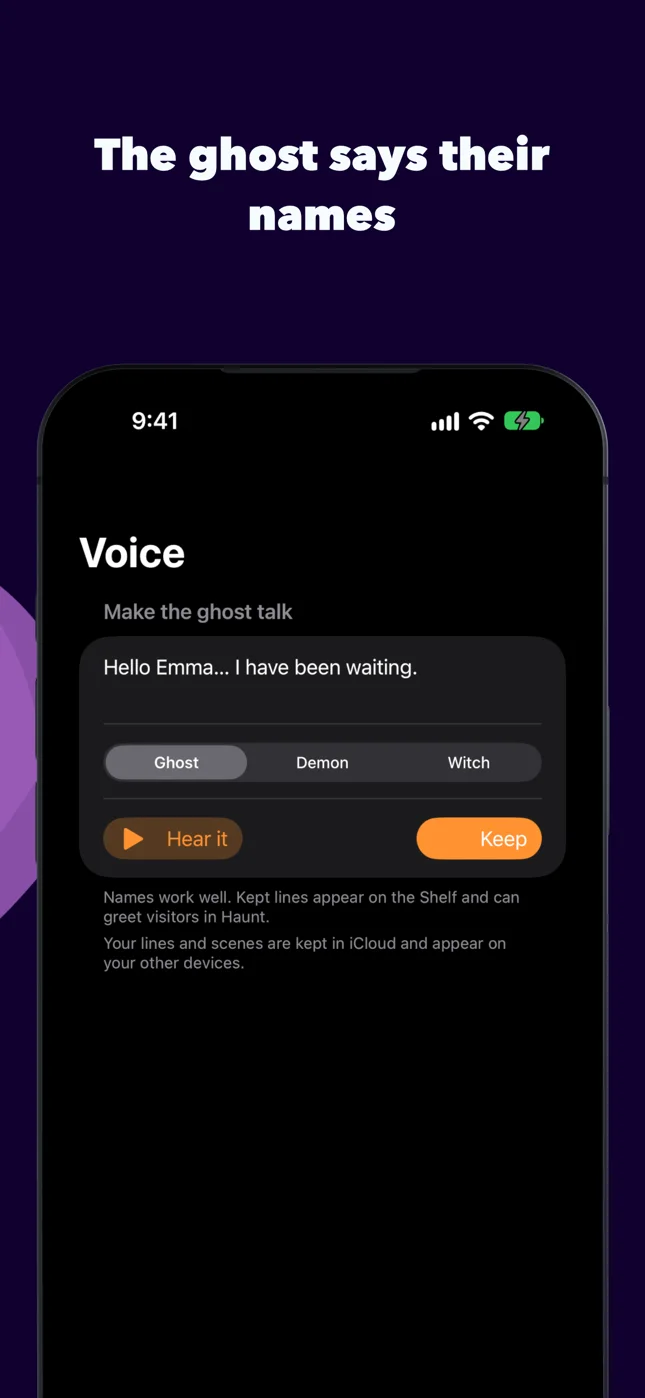
The last piece is a voice. You type a line, “Hello Emma. I have been waiting.”, pick the Ghost, the Demon or the Witch, and the phone says it, bent through pitch and a very large room. A kept line sits on the board with the other sounds, can be a step in a scene, and can be what greets whoever walks up. It speaks whatever language your phone speaks. What you make on the iPhone shows up on the iPad through iCloud, so one can be the workshop and the other the porch.
iHalloween is free: the sounds you need, the camera trick with its scream, the timer, the tap and the first scene. iHalloween Pro is one purchase, not a subscription, and adds every sound, scenes of your own, the Bowl, and the ghost’s voice for keeps. More on the iHalloween page.