iHalloween
Put it on the porch. It sees them coming, and it screams.
iHalloween turns an iPhone or an iPad into a haunted porch. An ambience plays through your speaker, a glowing pumpkin watches from the screen, and when somebody walks up, it sets off the scare by itself. It is also what it has been since 2008: a board of Halloween sounds you tap.
iPad, iPhone
Free. No account, no ads. Nothing the camera sees is recorded or sent anywhere.
It watches the path, so you do not have to
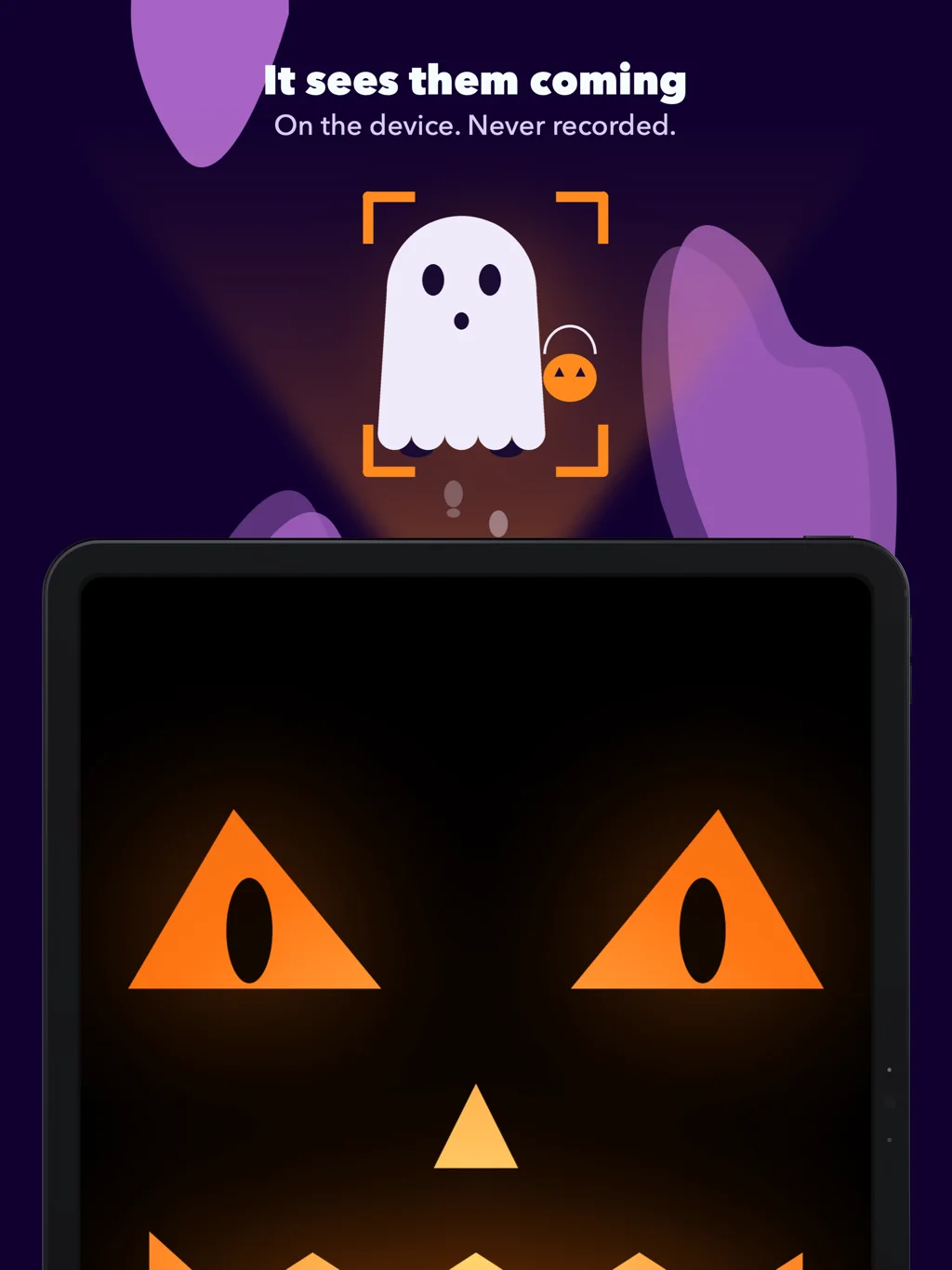
Prop the device up facing the way in and arm it. The front camera notices a person walking up. The pumpkin on the screen opens its eyes and follows them, and when they are close enough, it screams. One visitor, one scare, and you set how close they have to come. An aiming screen shows what the camera sees, with brackets around whoever it has found, so you know the spot is right before the first visitor arrives.
The picture is looked at on the device and thrown away. There is no recording, no photo, no upload, and no account to send anything to.
For a dark porch: the Bowl, a timer, a tap
A camera needs some light, and a porch at night may not have any. So there are other ways to set off the scare. With the Bowl, the device lies among the sweets, and a hand reaching in sets it off, in complete darkness. A timer scares at random moments. A tap makes the whole screen the button, for when you are the one hiding behind the door.
Scenes: a knock, the door, a whisper, the scream
A single scream is a jump. A scene is a little story: three knocks, a door creaking open, a voice saying “come here”, and then the scream. The pumpkin waits through the build-up and opens its mouth on the last step. The Door is included. With Pro there are three more, The Witch, The Grave and The Storm, and an editor to chain your own from any sounds and your own lines. The Watcher can also play something quiet, an owl, a whisper, when it first spots someone down the path, and keep the scare for when they reach the door.
Forty sounds
Screams, an evil laugh, a witch’s cackle, a wolf, an owl, a crow, bats, thunder, a creaking door, chains, footsteps, a midnight bell, an organ, a music box, “Happy Halloween”, “Trick or treat”, and four ambiences that loop without a seam: night wind, a crypt, a thunderstorm, a heartbeat. Tap to play, tap several at once, shake for a surprise.
The ghost says their names
Type a line, pick the Ghost, the Demon or the Witch, and hear it said: “Hello Emma. I have been waiting.” Trying it is free. With Pro you keep your lines, they sit on the Shelf next to the sounds, and they can be what greets whoever walks up. It speaks whatever language your device speaks.
On the night
- Choose an ambience and a Bluetooth or AirPlay speaker, and turn it up.
- Choose what sets off the scare.
- Tap Arm. You get ten seconds to put it in place and walk away.
- It plays with the silent switch on and keeps the screen awake. Plug it in for a long evening.
- Hold the screen to stop. It tells you how many visitors it scared.
On the iPad
A bigger pumpkin. The same app, the same scenes and lines: what you build on the iPhone appears on the iPad through iCloud, so the phone can be the workshop and the iPad the porch.
Free, and Pro
Free: the core sounds, two ambiences, the Watcher with its scream, the timer, the tap, and The Door. iHalloween Pro is one purchase, not a subscription, and works with Family Sharing: every sound and ambience, all the scenes and your own, your choice of what greets your visitors, the Bowl, and the ghost’s voice for keeps.
Privacy
No data is collected. No account, no ads, no analytics. The camera is used only while the Watcher is on, and only on the device: no frame is stored and none leaves it. Your lines and scenes sync through your own iCloud, which we cannot see.
Since 2008
iHalloween first shipped in October 2008, in the App Store’s first autumn, as a grid of spooky icons that screamed when you tapped them. The woman’s scream, the witch’s cackle and the wolf you hear today are the same recordings. What is new is everything a 2008 phone could not do: notice who is coming.
Questions
Does it record or upload video? No. The Watcher looks at each frame on the device and discards it. Nothing is saved and there is nothing in the app that could send it anywhere.
Does it work in the dark? The camera needs some light; a porch light is enough. For a truly dark porch use the Bowl, which feels a touch, or the timer.
Can it play through a Bluetooth speaker? Yes, Bluetooth or AirPlay. Pick it in the app before you arm it. It plays even with the silent switch on.
Will it scare the same person over and over? No. One visitor, one scare. It waits for them to leave, and with Pro you set how long it waits before the next.
Can I make my own scares? Yes, with Pro: chain up to five sounds or spoken lines into a scene, and type any line for the ghost to say.
Do my scenes show up on my other devices? Yes, through iCloud, on devices signed in to the same Apple Account.
Is there a subscription? No. The app is free, and Pro is a single purchase.
Which devices? iPhone and iPad with iOS 26 or later.
The story of bringing it back after eighteen years: iHalloween 2.