Age Test 2: a tone generator, not an age
In June 2009, the App Store was a year old, and Kiichi built a little gadget for it: a speaker grille, a blue display, a red lamp and a big brushed-aluminum knob that went from “low” to “max”. Turn the knob, press play, and it sounded one of twelve high tones, from 8 kHz to 22 kHz. Beside each tone it showed an age: 17 kHz said 25, and every step above it took a year off, down to 20 at 22 kHz. We called it Age Test.
People loved arguing with it. The reviews are the best record of what went wrong. “I’m 20 with excellent hearing and could only hear the 40+ one.” “No sound no matter which frequency.” Then, after a few iOS updates, “doesn’t even open”. It was a 32-bit app, and when iPhones stopped running those, it disappeared from the store. Even so, in the thirty days before we started again this September, it was downloaded again more than a thousand times.
Is the highest pitch you hear a good way to tell your age?
That was the first question when I sat down to rebuild it. The biology is right: ears lose the top of their range first, and that edge comes down as we get older. The measurement is not. A phone plays a tone through headphones nobody has calibrated, at a volume nobody wrote down. Some headphones barely play the highest tones at all. The number you get says as much about the equipment as about the ears, and people of the same age differ a great deal anyway: in one 2021 study, about half of the group aged 21 to 30 responded to a 20 kHz tone and about half did not. The 2009 chart moved a year per step above 17 kHz, a precision nothing supports.
So the new Age Test gives no age. It tells you only what you told it.
What it is now
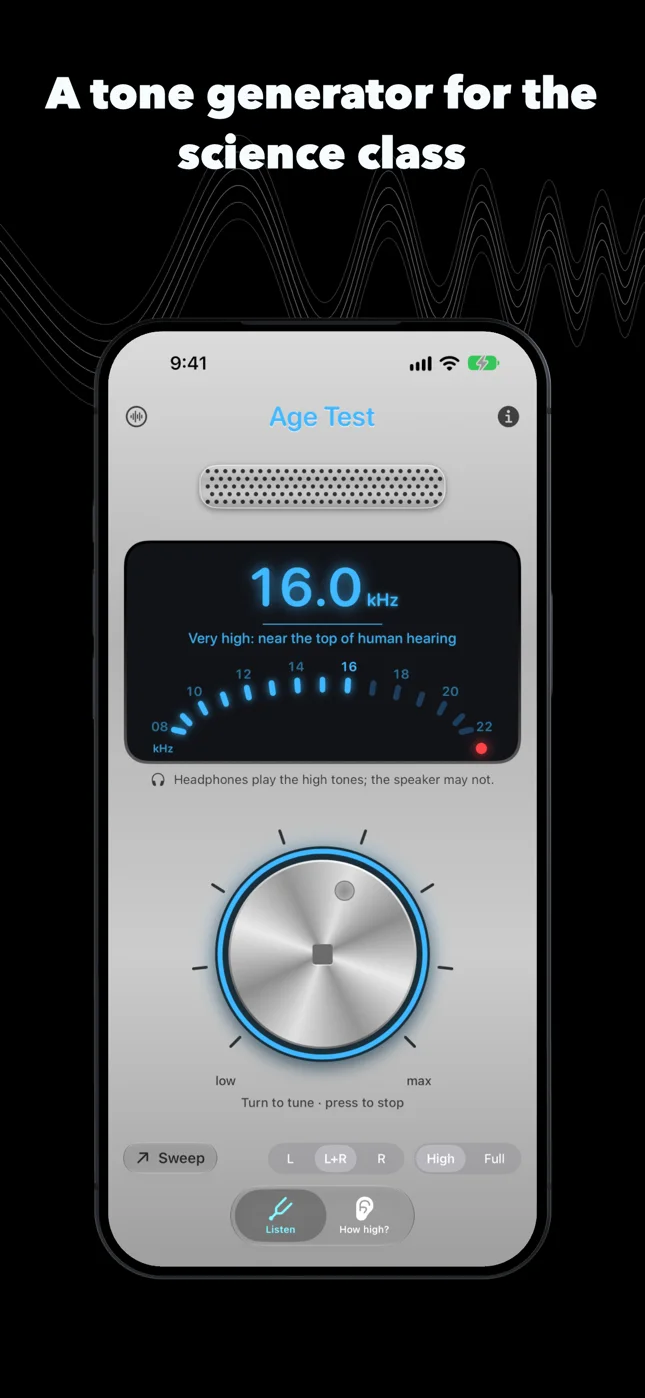
The knob is still the whole instrument, and it is no longer stuck on twelve steps. Press it to play, turn it to tune: 8 to 22 kHz in tenths of a kilohertz, with a tick under your finger at every whole one, or the full range from 20 Hz. Left ear, right ear, or both. The display shows the frequency and a line that says where it sits, inside the everyday range of hearing, high, very high, but never who should be able to hear it.
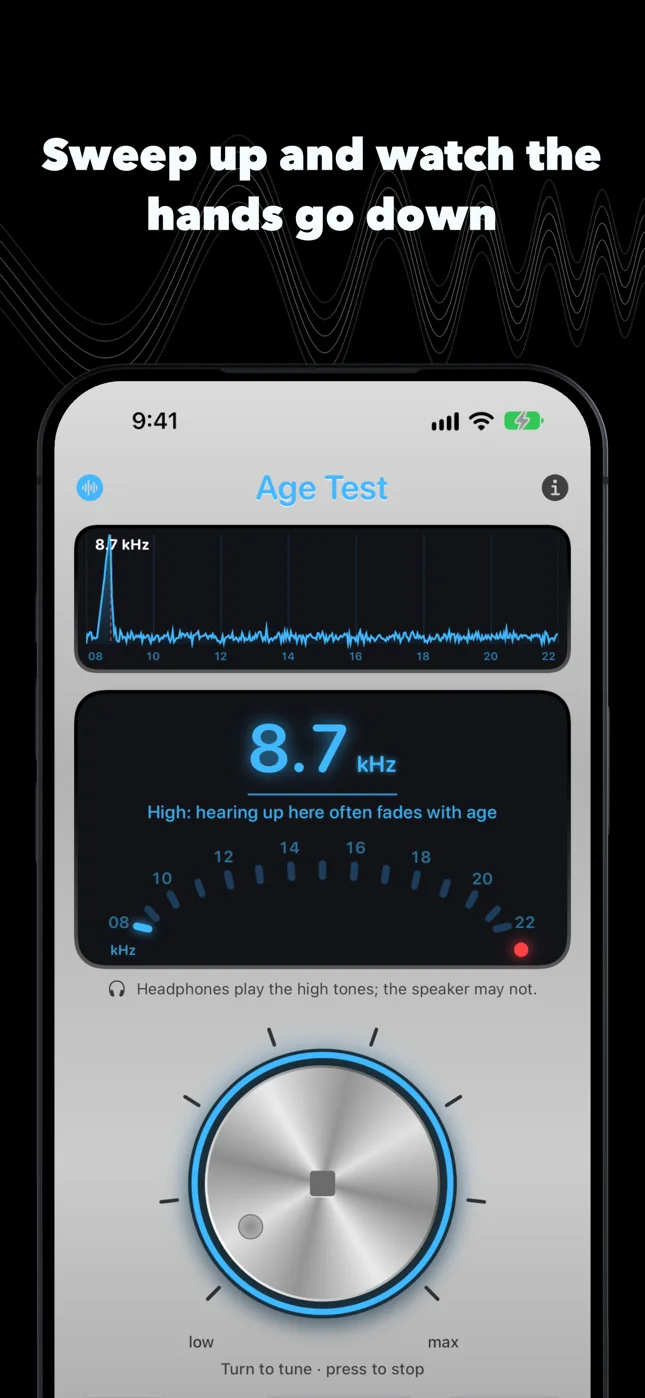
There is a sweep: the tone climbs from 8 kHz to 20 kHz over a minute. Play it through a good speaker in a classroom and ask everyone to keep a hand up while they still hear it. The hands come down one by one, at different moments, and that is the whole lesson.
The tone is still there
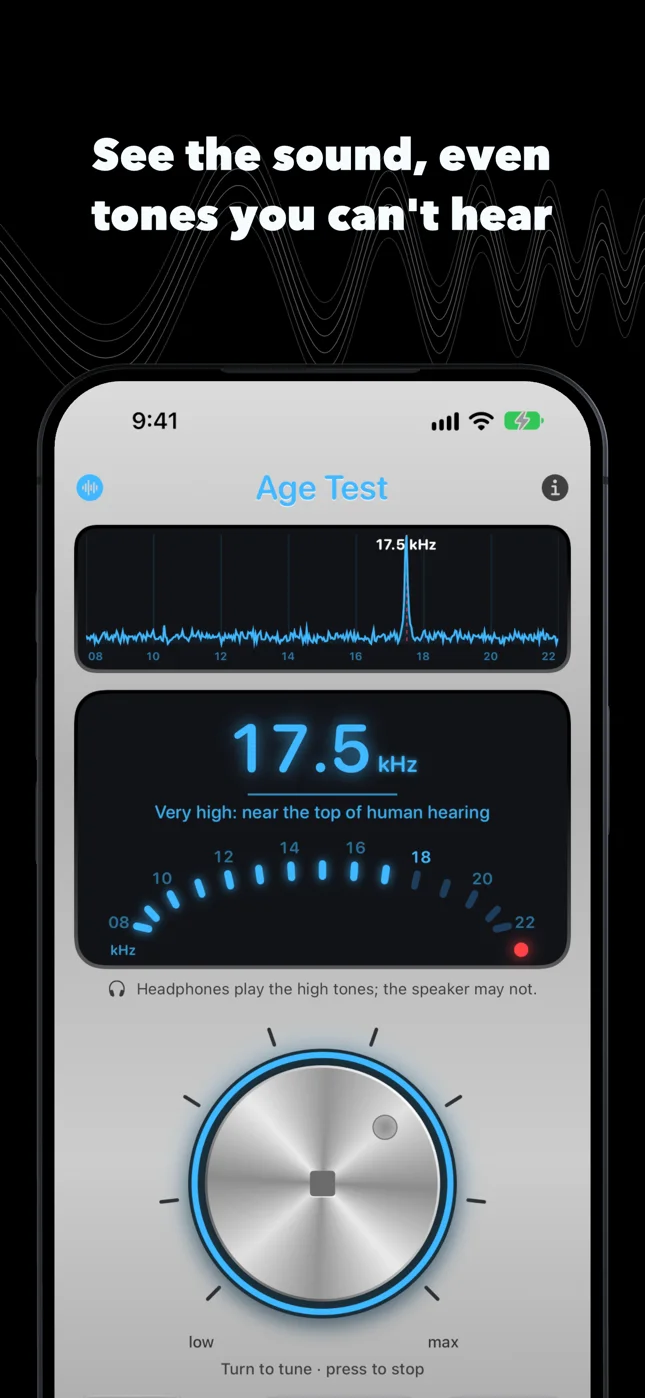
The part I like best is new. Tap the speaker grille and it turns into a spectrum: the microphone listens, and every pitch it picks up is drawn on the screen. After the last hand has gone down, the peak is still standing there. The phone is playing; the ears stopped. It is also the answer to the 2009 review that said “no sound no matter which frequency”: you can see whether the sound is coming out before you blame anyone’s ears.
The microphone is only looked at. Nothing is recorded, kept or sent anywhere, and there is no account to send it to.
How high?
The personal check stayed, made honest. It plays tones from 8 to 20 kHz, one kilohertz apart, and you answer each one. It stops at the first one you miss and shows the highest tone you reported hearing, with this equipment and volume. Some of the tones are silence, at random, and answering “I hear it” to silence ends the round as a guess. Very high tones are easy to imagine.
It sets the volume first, on the lowest tone, and stops if you turn it up halfway. Chasing a high tone with the volume is how the next low one gets too loud, and that is the one way an app like this could hurt someone. Every tone is made at a fixed, modest level with no boost, and fades in and out, because a click is heard at any age and would fake the answer.
Try it on two pairs of headphones and you may get two numbers. That is not a flaw to hide; in a classroom it is the second half of the lesson.
The same name
We kept the name. It is the record from 2009, with its reviews, and it is what people still search for. The knob is the same knob, redrawn for today’s screens. Most of the reviews of its free edition came from Japan, so it speaks Japanese too.
Age Test is free, with no ads and no account, on iPhone and iPad with iOS 26 or later. It is for learning and for fun, not a medical device; if you are worried about your ears, see an audiologist. More on the Age Test page.