iRetroPhone 3.1: pull it like a real phone
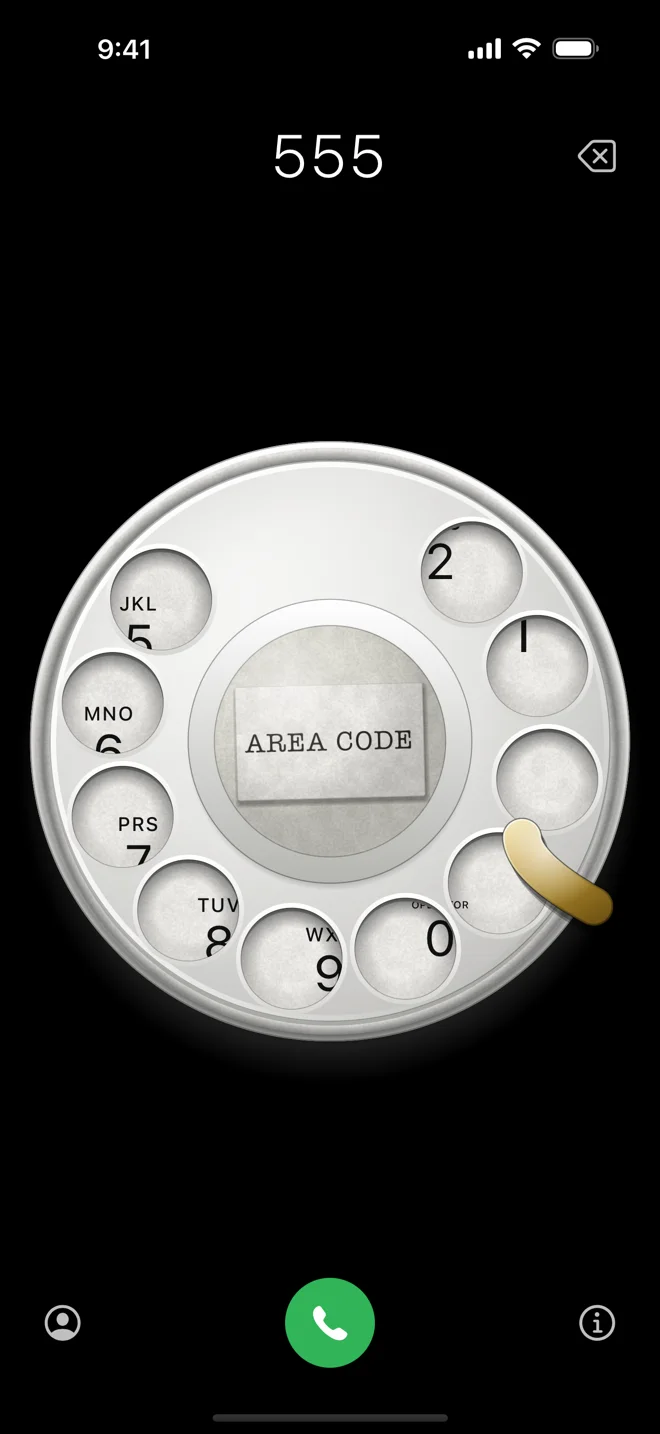
Version 3 brought the 2008 dial back, measured from a real Western Electric dial. It also had one shortcut: tap a hole and the wheel pulled that digit to the stop by itself. It was convenient, and it was wrong. A rotary dial is a thing you pull. If a tap works, nobody ever finds that out, and watching someone who has never seen a rotary phone poke at the holes like buttons, the app was happily going along with them.
So 3.1 takes the shortcut away and teaches the real thing instead.
You have to pull it
Put your finger in a hole, turn the dial clockwise to the metal stop and let go. That is now the only way a digit gets dialed. A tap on a hole, or a pull you let go of too early, does nothing: the wheel goes back and no digit appears.
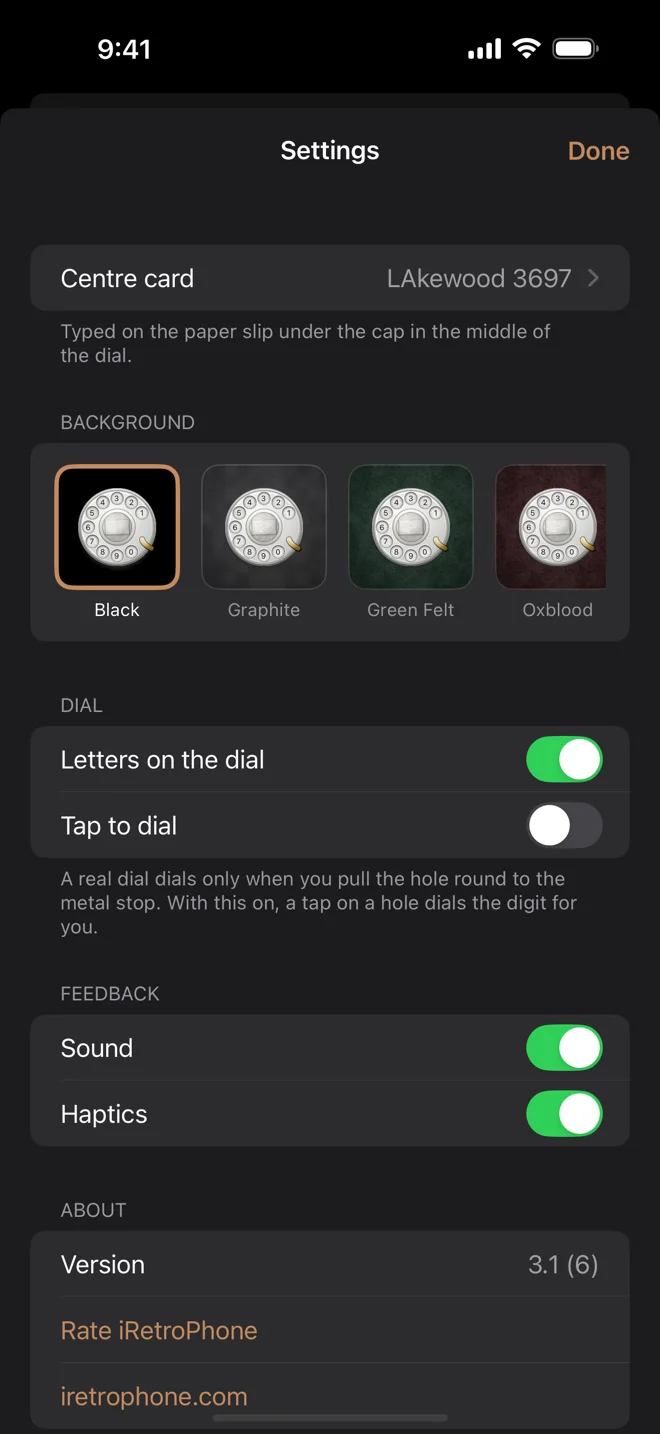
If you liked the tap, it is still there. Settings → Tap to dial. It is off unless you turn it on.
A ghost finger that shows you how
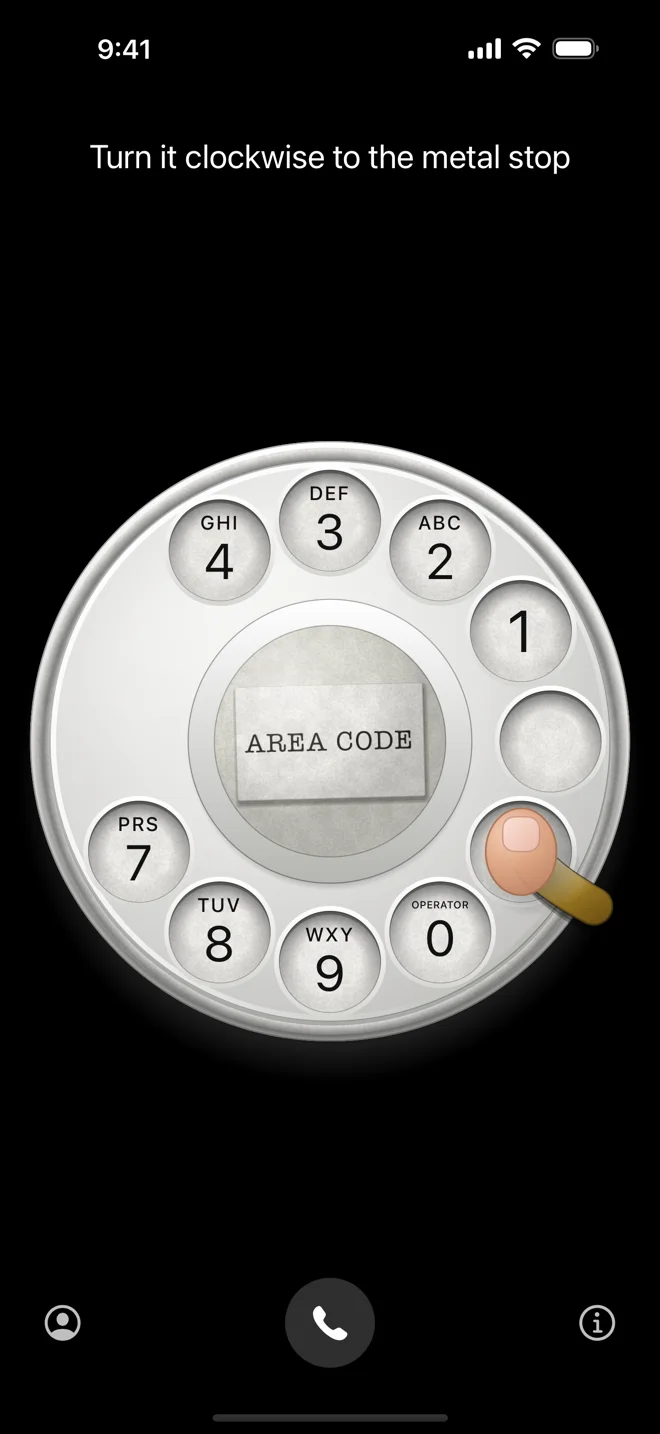
Plenty of people have never used a rotary dial. When nothing is dialed yet, there is a small question mark in the top left corner. Tap it and a fingertip comes down into a hole, travels along the path to the stop and lets go, and the dial spins back clicking the way it would under your own finger. The line above the dial, where the number would be, tells you what is happening: “Turn it clockwise to the metal stop.”
You do not have to find the question mark. Tap the holes twice without pulling and the lesson plays by itself, once per launch, then leaves you alone.
The first version of the finger was white, and it disappeared completely on a white dial. A skin-toned fingertip reads at a glance.
Five more languages
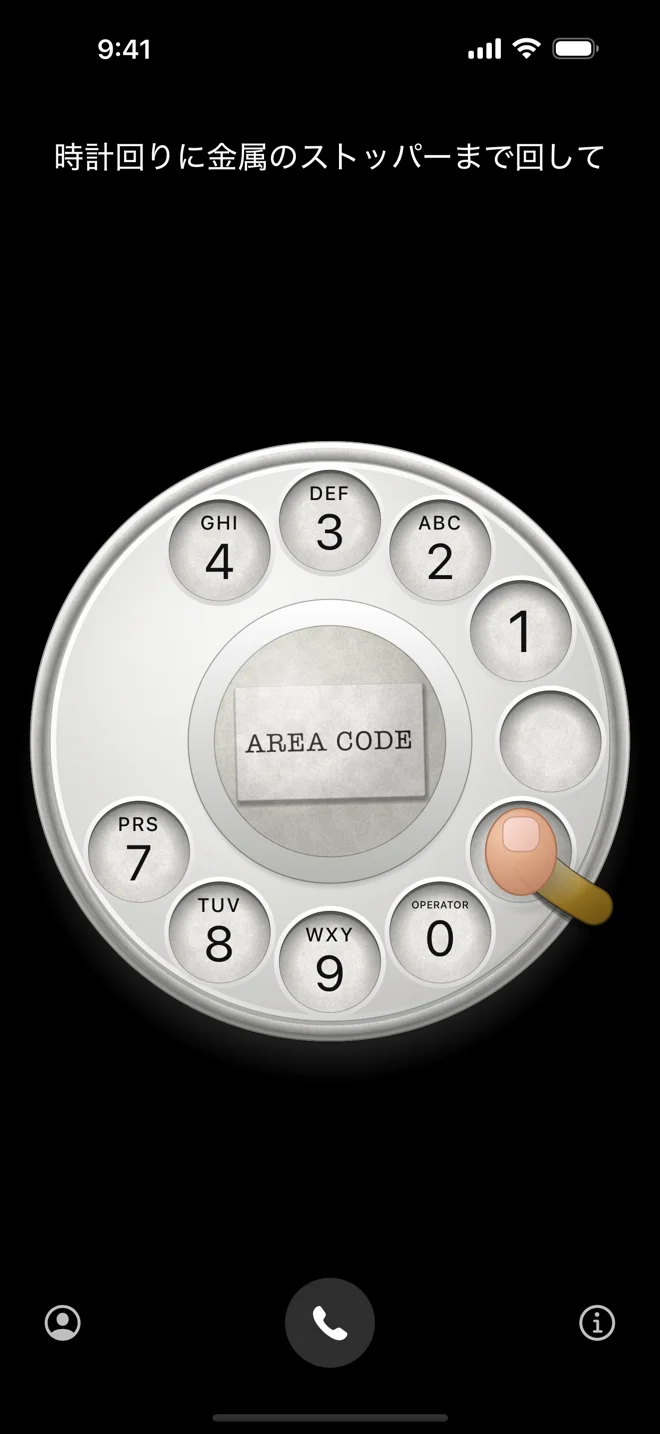
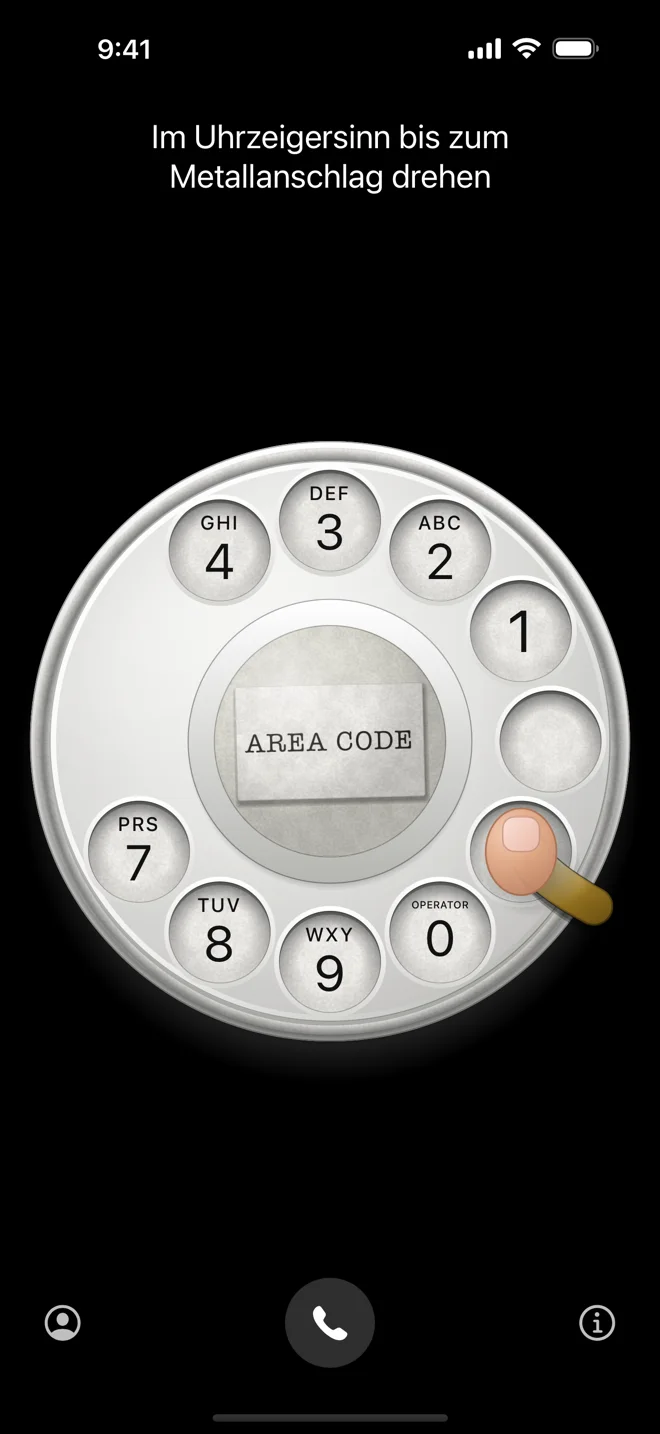
iRetroPhone now speaks German, French, Spanish, Italian and Japanese: the app, the App Store listing and iretrophone.com. The lesson’s captions, the Settings screen and the paper slip’s hint all follow your iPhone’s language.
Smaller things
- The number above the dial now groups as you dial it, the way a US or Canadian number is written: dial 18005551212 and it reads 1 (800) 555-1212 by the last digit. Short numbers like 911 and international numbers are left alone.
- The rings around the finger holes were a touch too wide and overlapped their neighbours. They no longer do.
3.1 is a free update on the same listing iRetroPhone has had since opening day in 2008. Hand it to someone who has never dialed a phone and let the ghost finger do the explaining.