iSameGame 6.1: favorite boards, challenges that open the right board, and iPhone Duo
Every board in iSameGame is a code, and since 6.0 people have been sending them to each other. What they could not do was keep one. You press New, a board comes up that leans your way, you play it badly, and it is gone into the history with everything else. 6.1 fixes that, and a few things I found while playing it every evening.
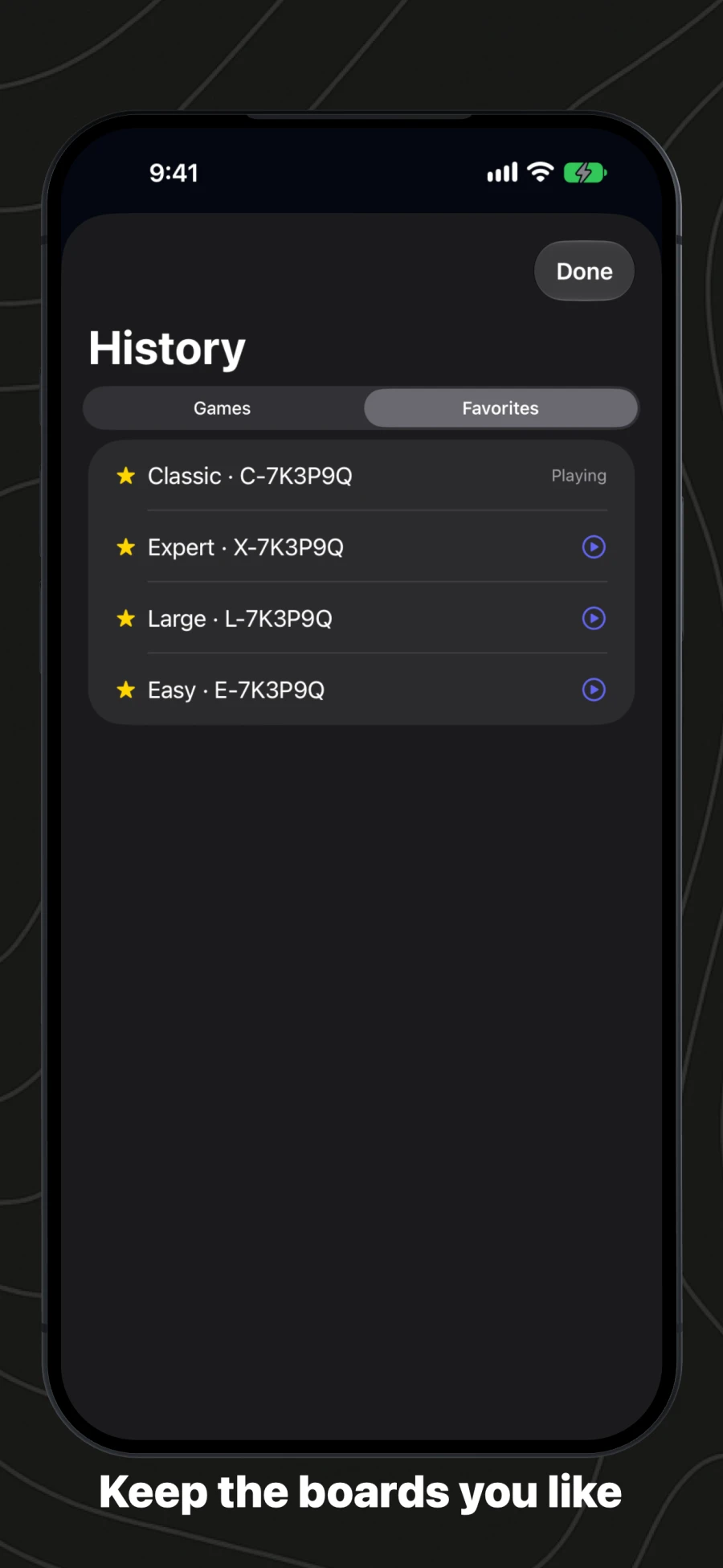
Favorite boards
There is a star beside the board’s code now. Tap it and the board is kept. History has two tabs, Games and Favorites, and Favorites lists the boards you starred with your best score on each: tap one to play it again, swipe to let it go. If you play on an iPhone and an iPad, the favorites follow you through iCloud, and a board you unstar on one stays unstarred on the other.
Challenges that open the right board
Game Center challenges on the daily boards came in 6.0, but tapping a friend’s challenge opened the app on whatever you were last playing. Now it opens that day’s board, in that size, and your score goes to the challenge. If you are in the middle of a game, the app asks before it leaves it. Today’s boards also say how long they have left, because a challenge you send runs only until the boards change at midnight UTC.
iPhone Duo
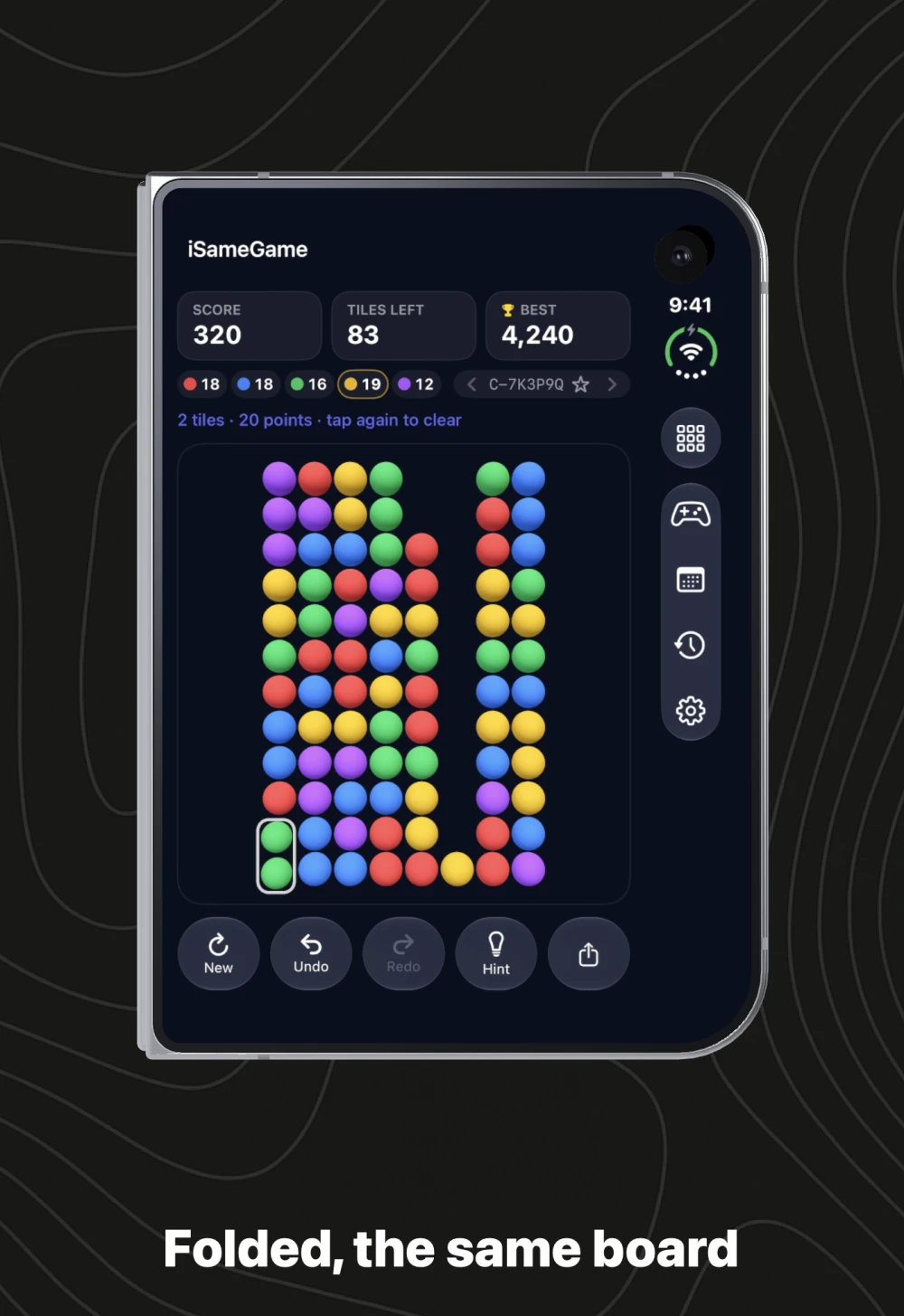
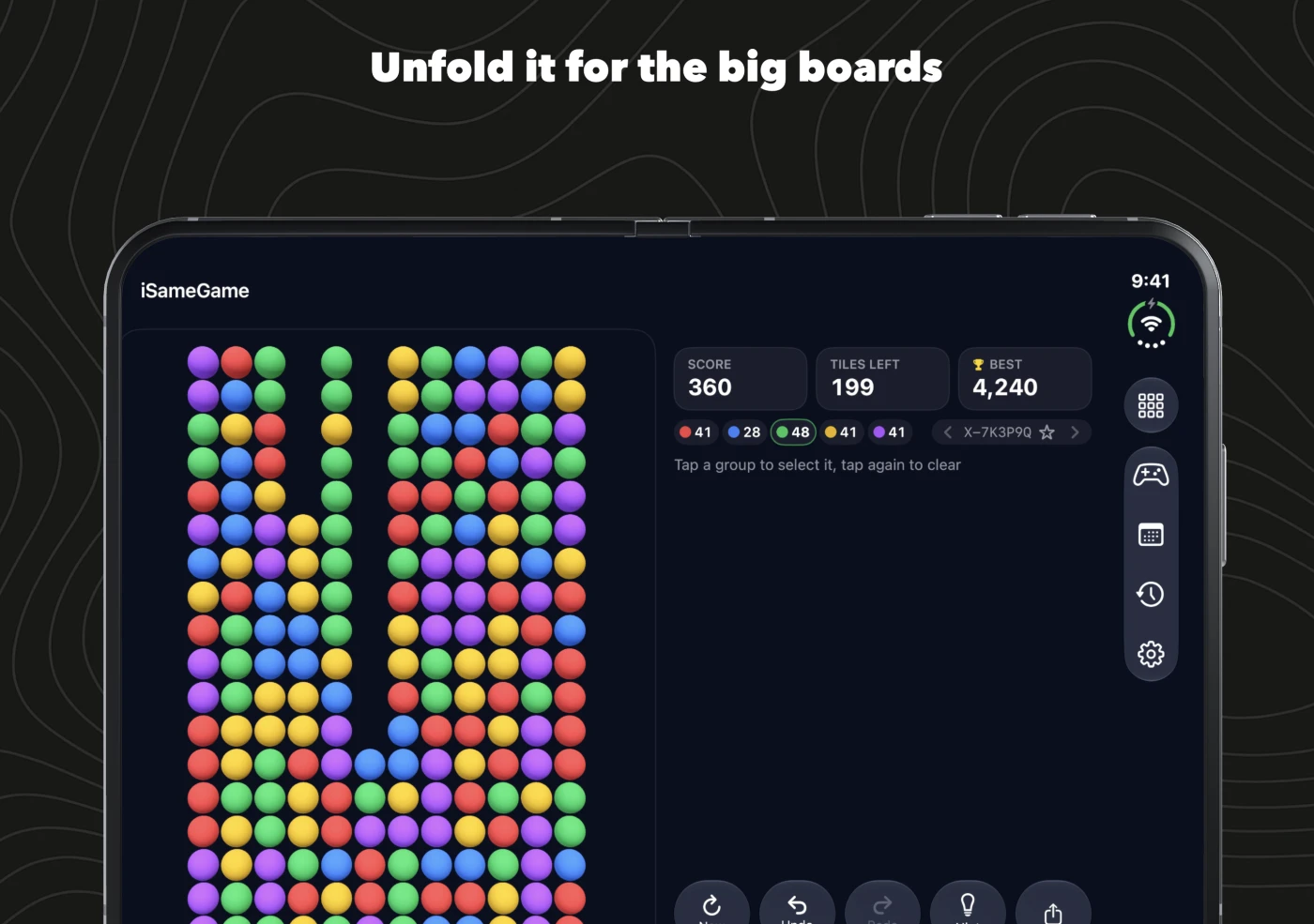
Closed, the board fills the outer screen with the controls down the side, out of the way of your thumb. Open, the board gets the big screen and the scores and buttons move to a panel beside it, so an Expert board, twelve by eighteen, is finally big enough to play without pinching.
Smaller things
- Smoother. On iPhones with ProMotion the board now draws at up to 120 frames a second.
- Symbols you can tell apart. With symbols on, each color has a shape three times the old size, and five that look nothing alike: a heart, a square, a triangle, a star and a cross, pressed dark into the middle of each sphere.
- Undo plays backwards. The spheres that fell rise back to where they were, then the group you cleared grows back into its cells.
- Sharing. A board shared to Messages used to arrive with its link twice. Once now.
- The game-over card slides in instead of appearing all at once.
iSameGame is free, with no account and no ads. If you have not played since 2008, the scoring is the same, and every board can still be cleared.