Geo Tracker 3.1: edit in GPX Explore, and a distance you can trust
Geo Tracker records. GPX Explore edits. Version 3.1 connects the two, and it fixes something I found on my own walks through Midtown: the recorder was counting distance it should not have.
Edit in GPX Explore
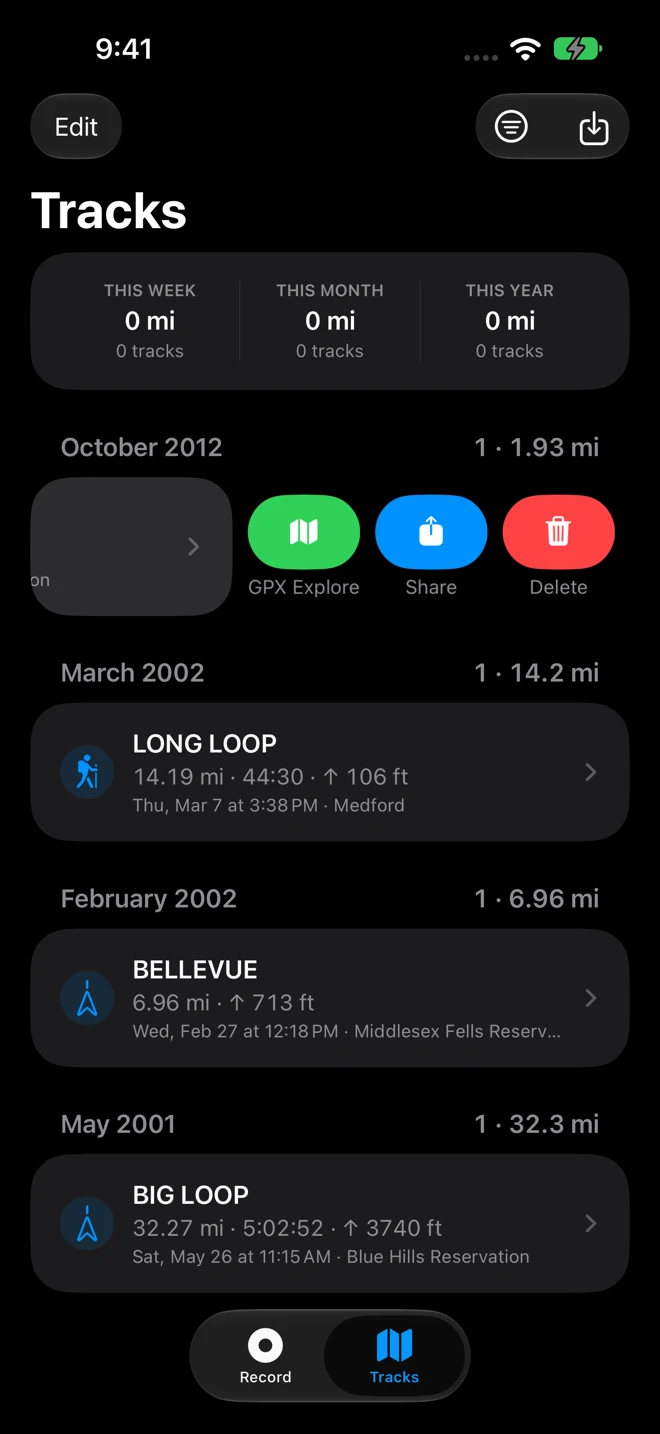
Swipe a track in Tracks and tap the green GPX Explore button, or choose Edit in GPX Explore from the track’s menu, or from the share menu while you are looking at it. GPX Explore opens with the track in a folder of its own, ready to trim the ends, cut out a stretch, fix a point that jumped, or join it to another recording. Your copy in Geo Tracker stays as it was. If GPX Explore is not on your phone, Geo Tracker shows you its App Store page instead.
I kept the two apps separate on purpose. Geo Tracker is the thing you start and put in your pocket; it should stay small and obvious. The editor, with its points table, its routing and its 3D view, lives in GPX Explore, and now the two are one tap apart.
The distance you can trust
I walked through Midtown Manhattan with the phone in my pocket and an Apple Watch recording the same walk. Where both recorded, the phone’s line sat a few meters from the watch’s and still read almost a third longer. The log of every position the phone had delivered showed why. Between tall buildings the phone loses the satellites and falls back to positions from Wi-Fi and cell towers, forty or fifty meters off, and each one arrives with a speed attached, so it looked like movement. Every one of them added to the distance.
Version 3.1 keeps them out. A position without a satellite altitude no longer adds to a recording, and neither does a GPS jump or the drift while you stand at a crossing or take a call. Where there are no satellites at all, inside a station or under a roof, the better of the phone’s own guesses still keep the line going, so a walk through a building is not a hole in the map. The climb figure leaves out height noise and shows a dash until there is a height to trust. And the distance you see while recording is now counted the way the saved file is, so the number you watched is the number in the list.
A walk on open ground with a clear sky was never the problem; the two devices agree to within a few meters there. What is left in the city is a few percent of wobble while the satellites come back, and that is the next thing to work on.
Finish from the Lock Screen
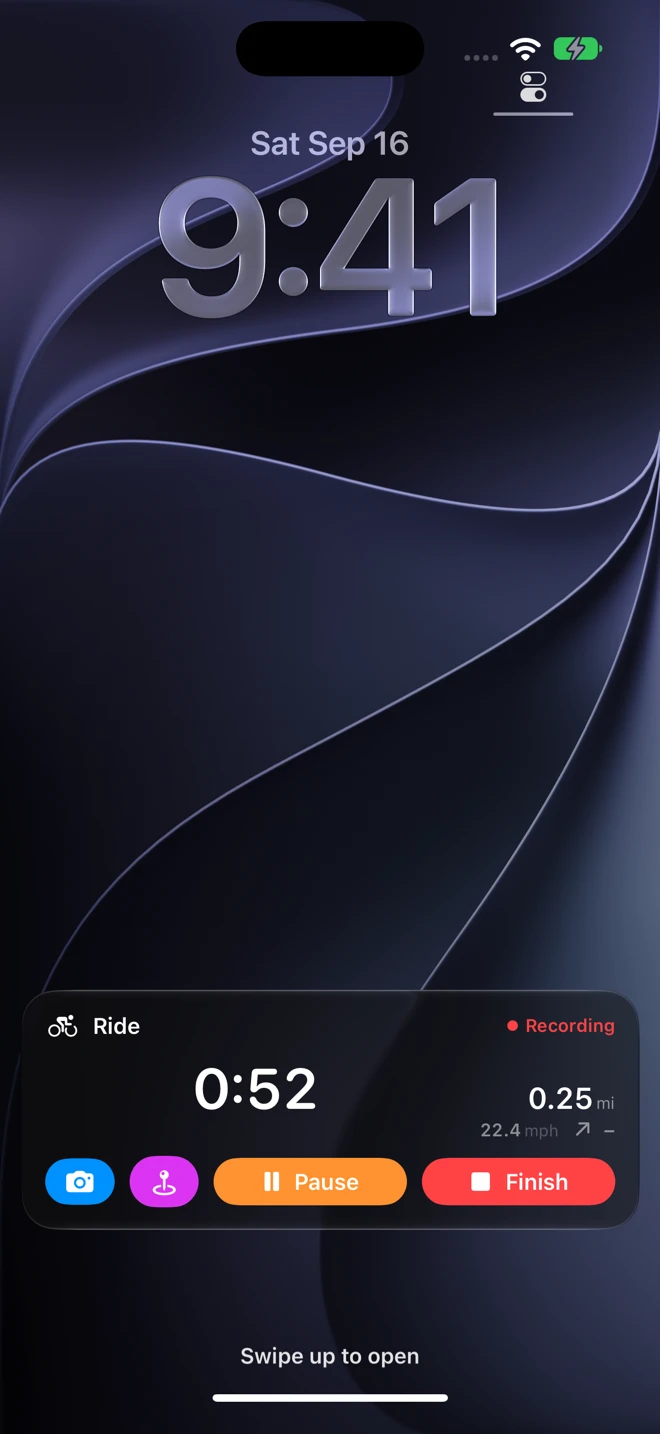
The Lock Screen card now has Finish beside Pause while you record, so a walk ends with one tap and the app opens on the saved track. The card also stays in view through a long stop; it used to fade when nothing moved for a while. The camera and the waypoint buttons are still there, and the Dynamic Island and the Apple Watch card follow suit.
A new icon, and a guide
Geo Tracker has the icon the map family shares now: a real recorded route over a map, with the word that says what it does. Settings has a new section, Also from ObjectGraph, with GPX Explore, WorkoutGPX, Geo Elevation and Geo Measure.
There is also, at last, a manual. The Geo Tracker guide on docs.objectgraph.com covers every screen, button and setting, from the first recording to what a shared file reveals, including a page on which GPS positions go into the file and which do not.
Geo Tracker 3.1 is on the App Store for iPhone and iPad, free, in English, German, French, Spanish and Japanese.